The builder's power tabs
Every published form opens in the builder. Across the top is a row of tabs: Template View is where you add and arrange fields, but three more unlock the features below. All three edit in place on a live template — no new version, no republish — and each is a paid capability that appears once it's enabled for your workspace.
Analytics
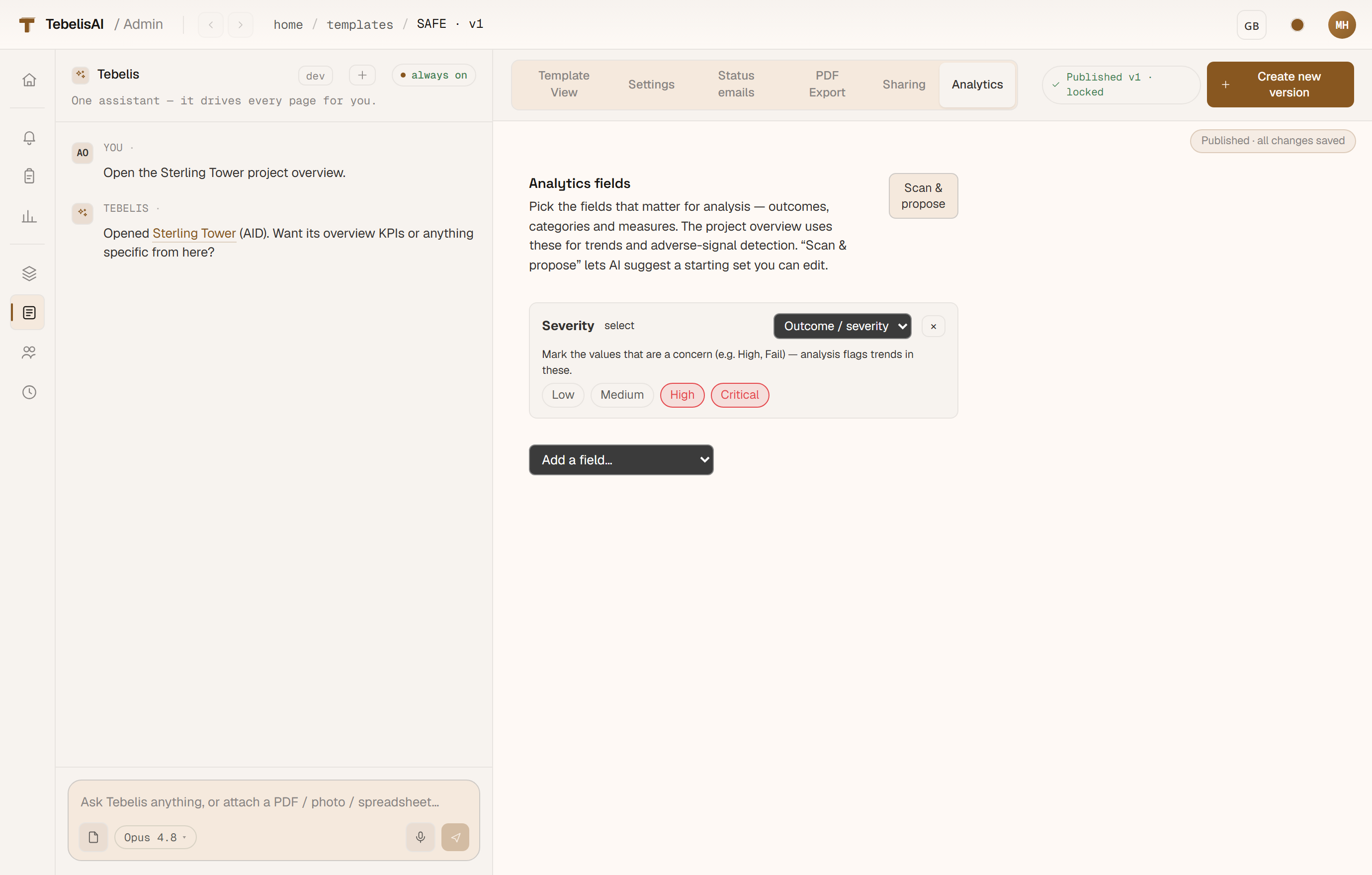
The Analytics tab tells the assistant which fields matter when it analyses a project. You pick the outcome field (the result of an inspection, say), the dimensions to break it down by (location, category, severity…) and which values count as adverse — then set a severity order.
Press Scan & propose and the assistant reads the form's structure and drafts a starting profile for you to confirm or edit. Once saved it powers the per-project insights — trends over time, adverse-signal detection, and "these observations clustered at this location before the incident" precursor links — all computed from your real data, never invented.
PDF export
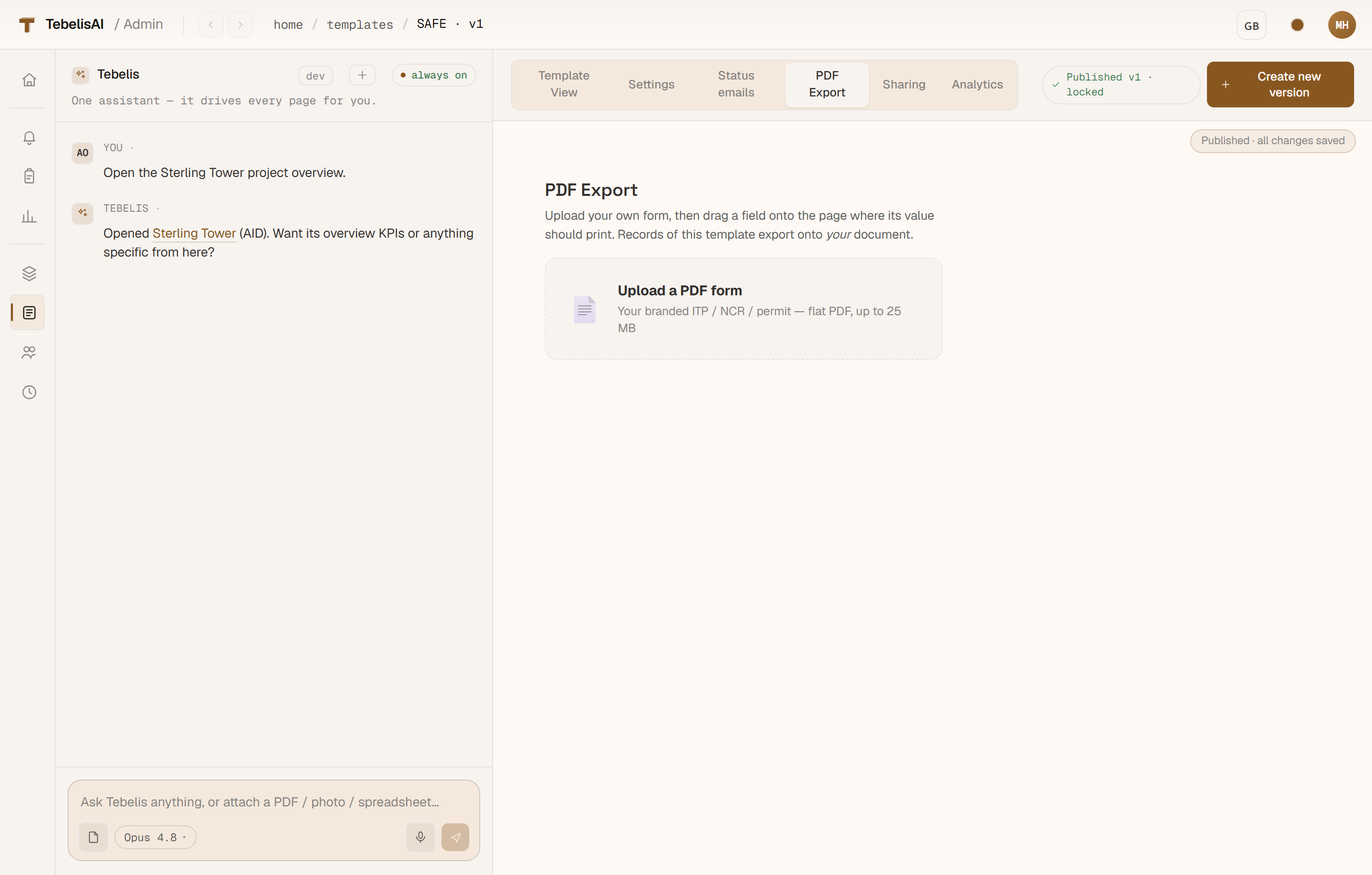
The PDF Export tab lets a record export onto your own document instead of a generic layout. Upload a branded PDF form — an ITP, an NCR, a permit-to-work — and Tebelis stamps each record's field values onto it, producing a flat, share-ready PDF that matches the paper version your client already accepts.
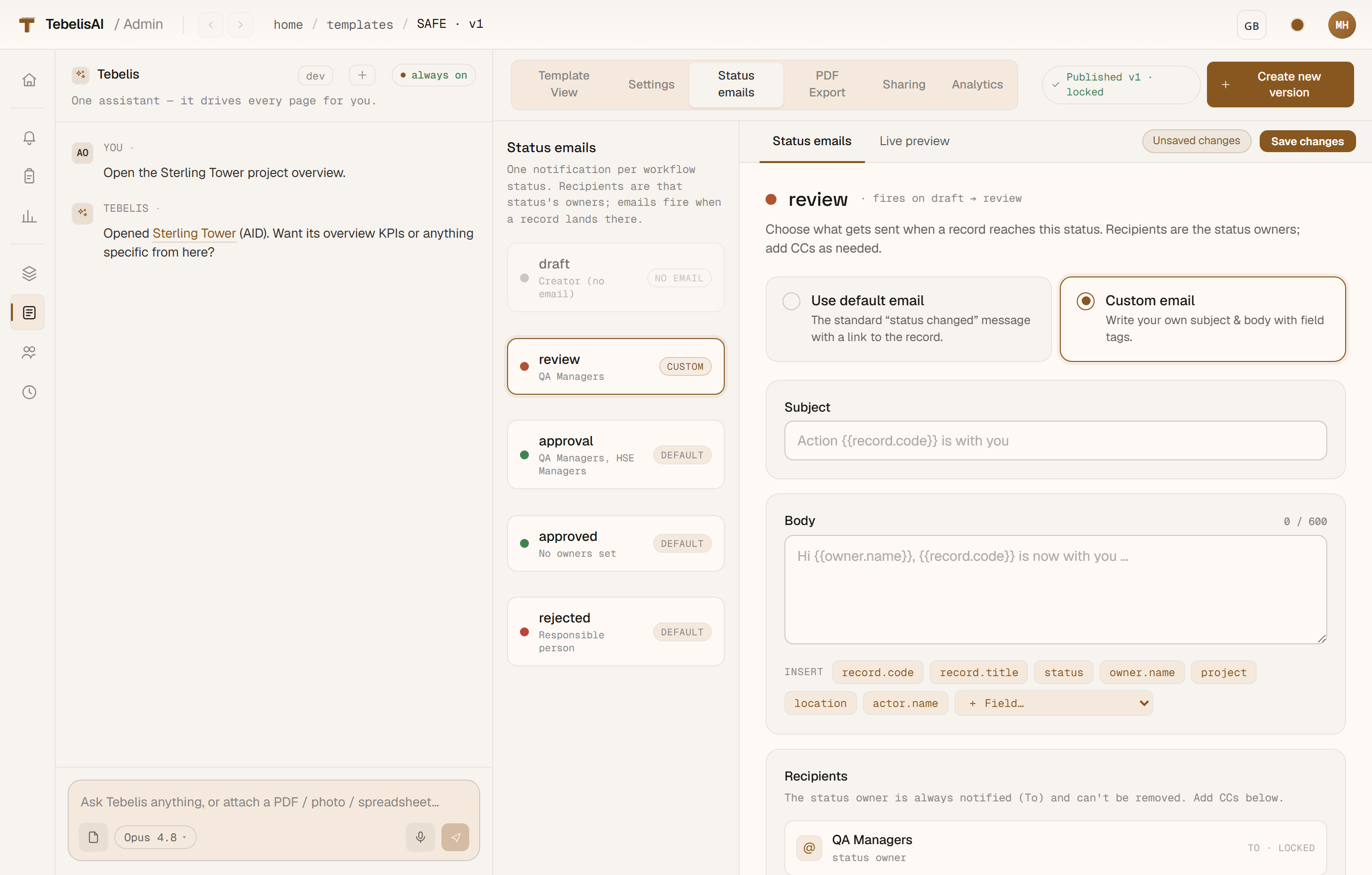
Status emails
The Status emails tab sends a notification each time a record changes status. Down the left is your workflow — every status except the initial draft can send either the standard "status changed" hand-off or your own email.
Choose Custom email and you get a subject and body you write yourself, with field {{tags}} that fill in at send time — record code, status, owner, or any field on the form. The + Field… dropdown lists every field, numbered (so a 100-field form stays tidy), and clicking a tag drops it wherever your cursor is — subject or body. The email always reaches the status owners, plus any CC groups or person-fields you add, and can carry an Open record button.