Built for site work
The Tebelis mobile app is made for capturing in the field — on your phone, often with gloves on and signal coming and going. It uses the same account, the same templates and the same workflows as the web app, so anything you build on the web is immediately available on the phone.
Signing in
Open the app and sign in with your normal Tebelis email and password — there's no separate mobile account. You land on your projects and recent records.
Capturing a record
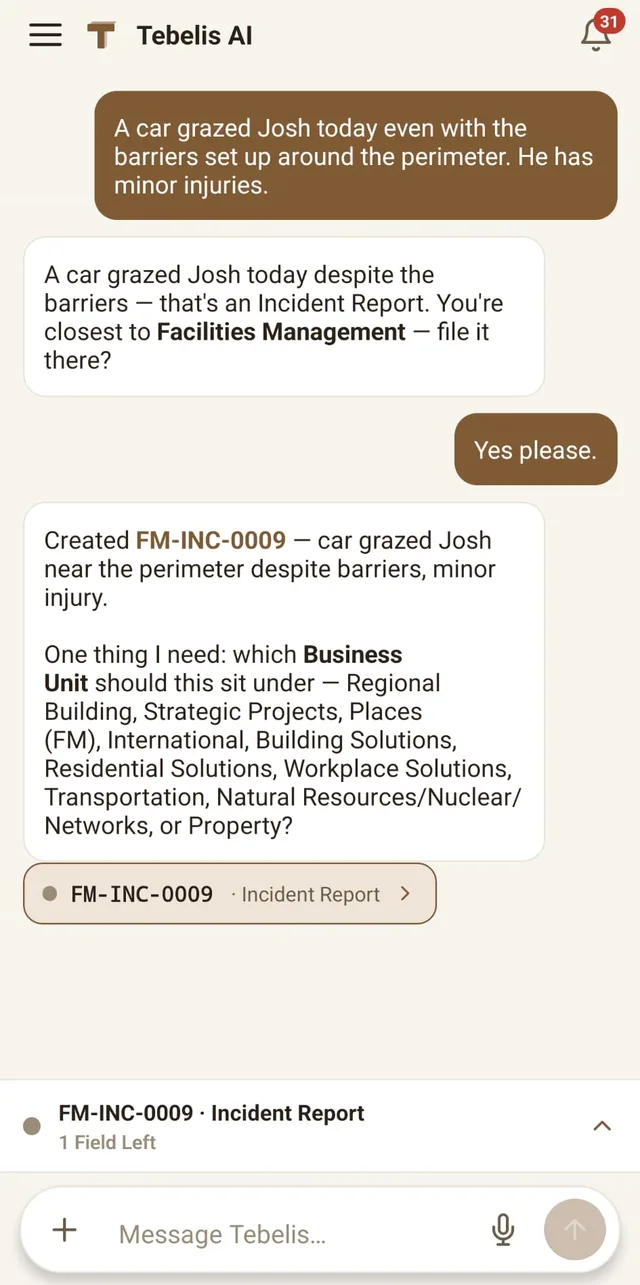
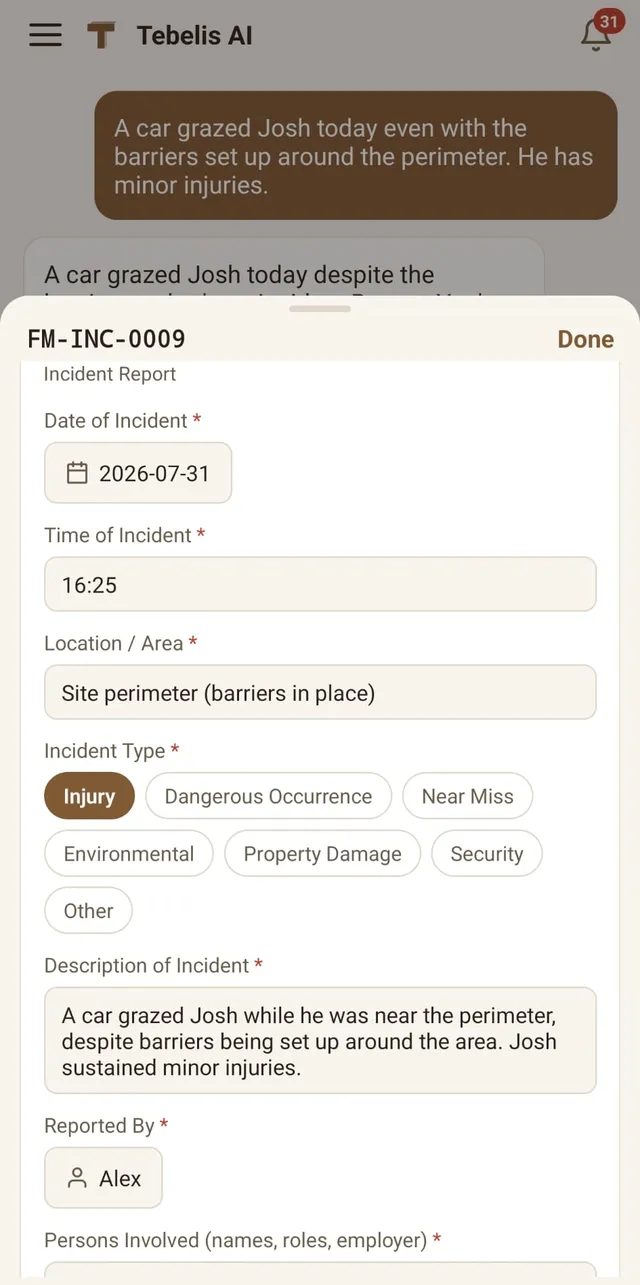
- Describe it. Tell the assistant what happened and it fills the record's fields for you to confirm.
- Snap a photo. Take a picture of a defect, a label or a meter and the assistant reads it and drafts the record from what it sees.
- Attach photos to any photo field; location metadata is stripped on upload for privacy.
Started on site — capturing with no signal
No signal on site? Use Started on site. Jot a quick note and snap photos — this is saved on the device and never touches the network, so it survives airplane mode and restarts. When you're back online, open the draft and tap Continue: your note and photos seed a Tebelis chat where you finish the record and submit it. Nothing AI runs until then — only your raw note and photos wait on the phone.