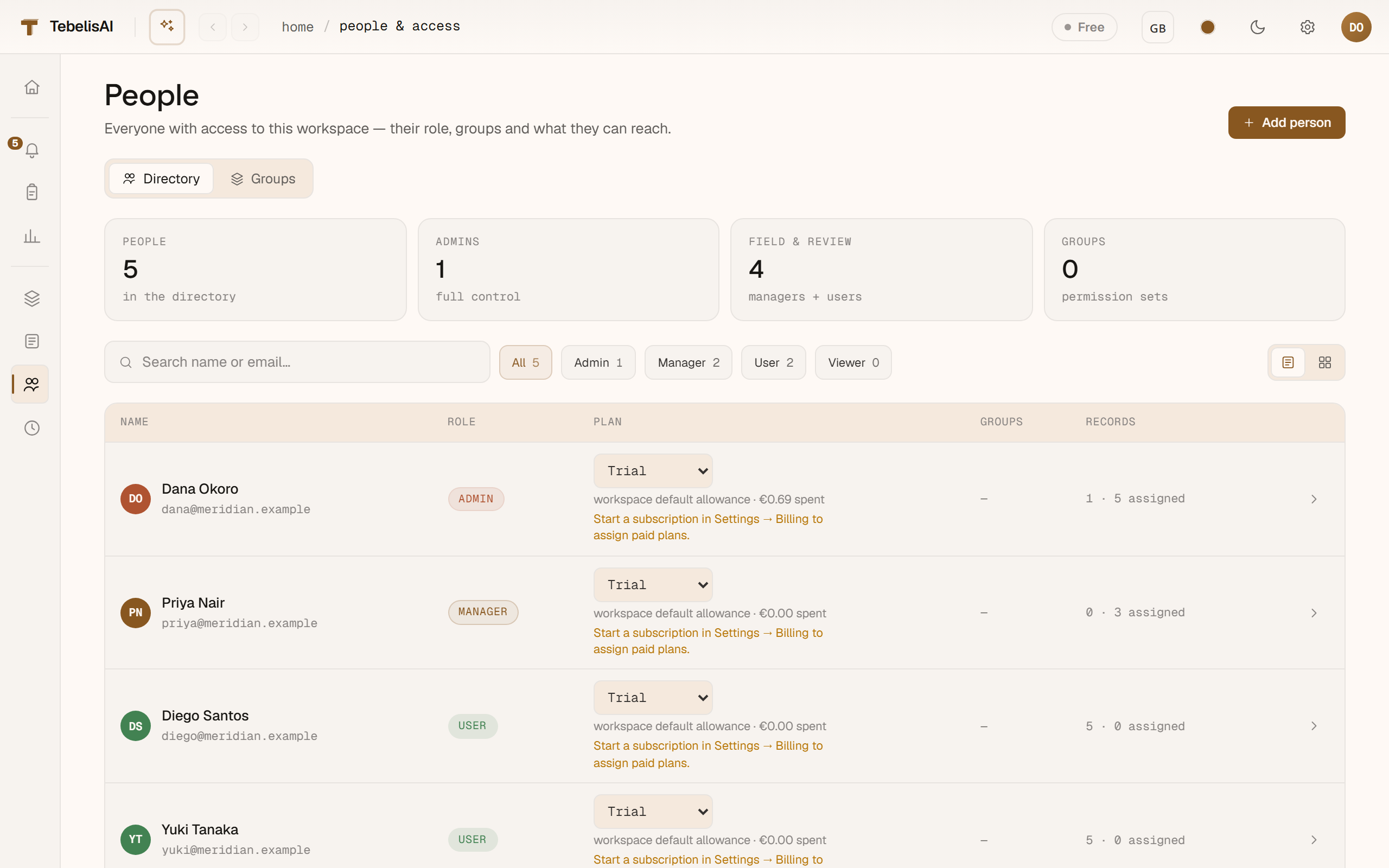
People and groups
Invite your team under People. Put people into groups (a crew, a discipline, a subcontractor) to manage access and ownership in bulk instead of one person at a time.
Permissions
Access is governed by a small set of clear permissions:
- view_records · create_records · approve_records
- manage_templates · publish_templates
- manage_projects · manage_people
Grant these through roles, and define your own custom roles as combinations of permissions. Where someone's role and their groups overlap, the most access wins — so you build up access, never accidentally lock someone out of part of their job.
Project-scoped access
Access doesn't have to be all-or-nothing across the workspace. You can scope someone's permissions to a specific project (or a branch of the organisation), so a site team sees and acts only on their own job while head office sees everything.
Privacy & data
To export or erase a person's data on request, open People, click the person, and use the Data & privacy actions on their page — the tooling that supports obligations like the GDPR. (Your own data lives under Settings → Privacy & data.) See Data-subject requests for the full walkthrough.