What it does
A public form link lets anyone — with no account — fill in and submit one of your forms. Each submission enters your workflow normally and routes straight to the right owners, who get the usual notification. It's ideal for collecting reports from subcontractors, visitors or the public.
Per project, with a QR code
Links are created per project, so every submission is already filed against the right job. Each link gives you a shareable URL and a QR code you can print and post on site — and a one-click PDF that bundles every project's link and QR for printing.
Setting one up
- Open the form in the builder and go to the Sharing tab.
- Turn on Make this form public.
- Create a link for each project you want to collect against.
- Share the URL, or print the QR codes.
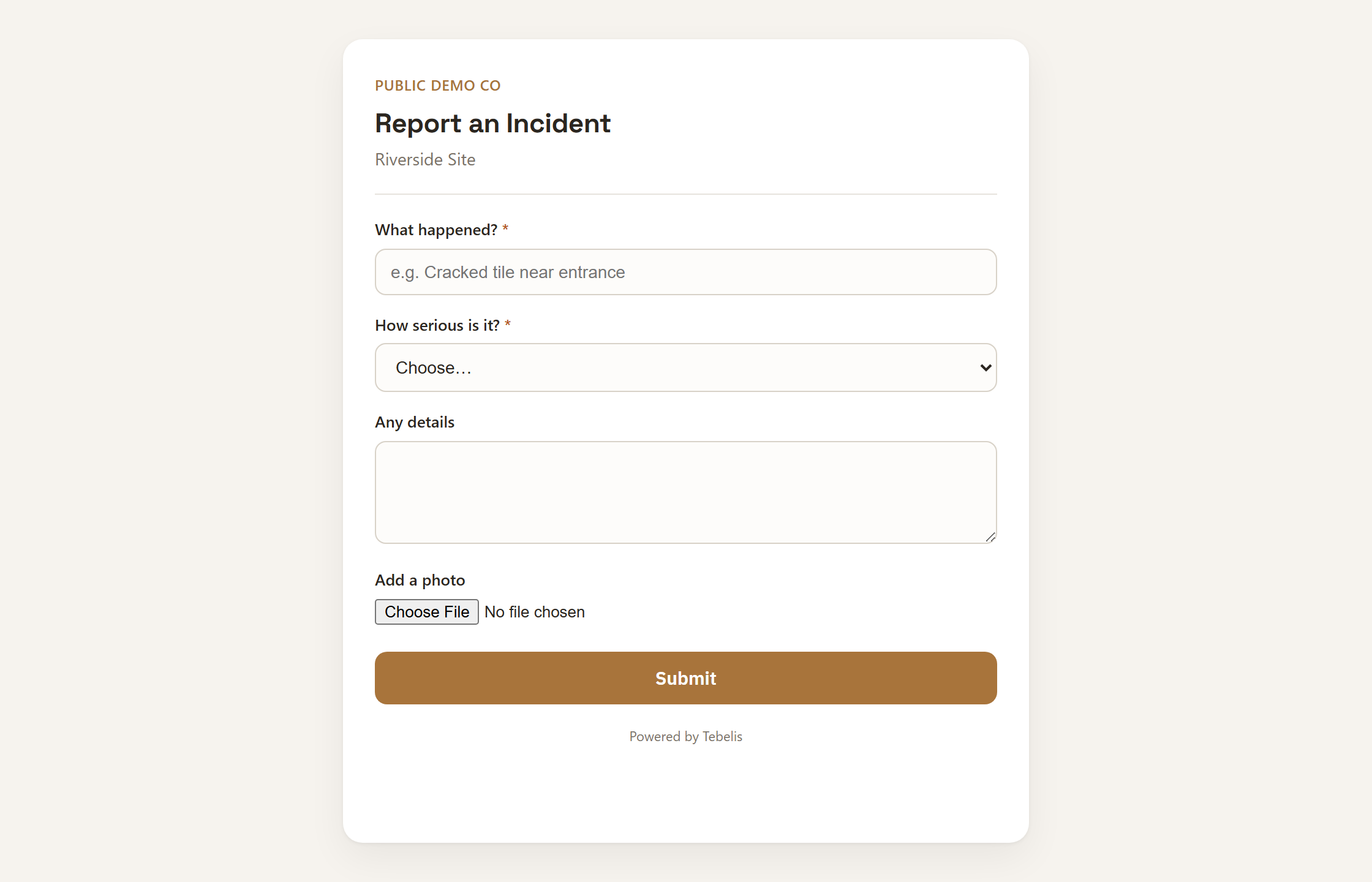
What submitters see
Just the form — only the fields meant for the initial step, branded with your organisation's name. They never see your owners, your people, other projects or any workspace internals. After submitting, they get a thank-you and a reference code. Submissions are anonymous; if you need the reporter's name or email, add those as normal fields.